


The Admin home page is designed to give you the tools you need to configure MorgWard Support. It's the place to go if you need to change something.
The page also gives you a snapshot of your current configuration. The information is useful if you're looking for ways to optimize MorgWard Support to meet your support goals.

Agents have access to a version of the Admin page that's tailored to their permissions and needs.
To access the Admin home page
-
Click the Admin (
 ) icon
in
the sidebar.
) icon
in
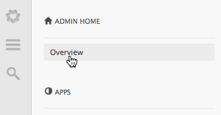
the sidebar. If you're on another admin page, you can get back to your home page by clicking Overview at the top of the sidebar.
Tip: Bookmark the page for quick one-click access. The URL is https://your_subdomain.zendesk.com/agent/#/admin/overview.
Comments
0 comments
Please sign in to leave a comment.